Pipette it once. Get the robot protocol.
PCR setup, filmed oncepcr_1-gt from the BioVL2 dataset, step by step as the robot will do it
- Aqueous
- 50 µL pipette
- Video 30–45 s
Step 1 of 6
Watch this run next to the robot Read the code on GitHubFilm yourself running a protocol at the bench. Show, Don't Code watches the video, works out every transfer, and writes an Opentrons Flex protocol that passes the official simulator. You check each step against your own footage before anything touches a reagent.
Labs publish thousands of protocols. Robots run a hundred.
Everything else has to be programmed, and scripting liquid handlers "remains a persistent bottleneck requiring substantial programming expertise" (bioRxiv, 2025). Opentrons robots are in labs at thousands of institutions. Show, Don't Code starts from what a lab already has: the protocol they do by hand, or the one they already published.
What happens to your video
Meta models, each doing the part it is best at. Nothing reaches the robot until the simulator has run it and you have seen it.
-
1
Watch
Muse Spark 1.3
Reads the whole video and the protocol sheet lying on the bench, then looks again at each moment liquid is drawn up to tell which tube it came from.
-
2
Track
SAM 3.1
Follows the pipette tip through the recording. Click any tube and it follows that tube too, while Muse Spark throws out the frames where it jumped to a look-alike cap.
-
3
Listen
Muse Voice Transcribe
Anything you say while you work, like “fifty microlitres of primer”, becomes timestamped evidence, biased toward the reagent names on your sheet.
-
4
Check
Muse Spark Open
A reviewer agent watches the same video, runs the Opentrons simulator itself until the volumes add up, and asks you about whatever the footage can't prove.
-
5
Draw
Muse Image
Redraws each step's own frame as an illustration for a printed bench card, and Muse Spark sends back any drawing that doesn't match its frame.
The output is code a robot runs
The models decide what happened. Plain, deterministic code decides how the robot does it, so model output never becomes executable code.
# Generated by Show, Don't Code from a video of a human performing the protocol.
requirements = {'robotType': 'Flex', 'apiLevel': '2.24'}

def run(ctx):
    reagents = ctx.load_labware('opentrons_24_tuberack_eppendorf_1.5ml_safelock_snapcap', 'C2', 'reagent tubes')
    tc = ctx.load_module('thermocyclerModuleV2')
    dest = tc.load_labware('opentrons_96_wellplate_200ul_pcr_full_skirt')
    p50 = ctx.load_instrument('flex_1channel_50', 'left', tip_racks=tips50)
    liquid4 = ctx.define_liquid('PrimeSTAR Max Premix', description='25 uL drawn per reaction', display_color='#e8590c')
    lc4 = ctx.get_liquid_class(ctx.params.lc4)  # viscous: picked from the reagent's name
    # step 1 [30-45s]: Add Sterile distilled water
    for r in range(ctx.params.reactions):  # chosen on the robot's touchscreen
        p50.pick_up_tip()
        if ctx.params.detect_liquid:
            p50.require_liquid_presence(reagents['A1'])
        p50.transfer_with_liquid_class(liquid_class=lc0, volume=20.0, source=reagents['A1'],
                                       dest=dest.wells()[0 + 1 * r], new_tip='never')
        p50.drop_tip()
    # …
    tc.execute_profile(steps=[…], repetitions=ctx.params.cycles, block_max_volume=50)
- Runs on Opentrons' own robot softwareThe pcr_1-gt protocol passes Opentrons' simulator and
opentrons analyze(134 commands), and runs to the end on Opentrons' robot-server, the software inside a Flex, in Flex simulation: 240 robot commands with two reactions, one fresh tip per transfer. - Every line points back to the videoEach step carries the seconds it happened in your footage, so you can replay the moment before you trust it.
- Hand-offs where a robot can't helpSpinning down or inverting a tube becomes a pause that hands the run back to you.
- Three minutes from upload to a protocol draftA live upload of a 100-second BioVL2 video ran every stage on production in 3 min 11 s, from the bench sheet to the reviewer agent; its bench card was drawn in 105 s more.
- Checked against published protocolsMuse Spark reads protocols.io protocols that use the same kit and quotes the volumes they use; pcr_1-gt's premix is the same share of the reaction as a published PrimeSTAR protocol's 25 µL in 50 µL.
- Into your lab notebookOne
.elnfile brings the whole run into eLabFTW, RSpace or Kadi4Mat as an experiment: steps, checks, bench card and every file. - CitableThe whole run, every model output and its hashes, is on Zenodo as doi:10.5281/zenodo.23876762.
And a bench card the next person can follow
Muse Image redraws each step's own video frame as a training-manual illustration. Muse Spark compares every drawing with its frame and sends it back if anything was added, moved or written in. The words under each drawing come from the protocol, never from the image model.
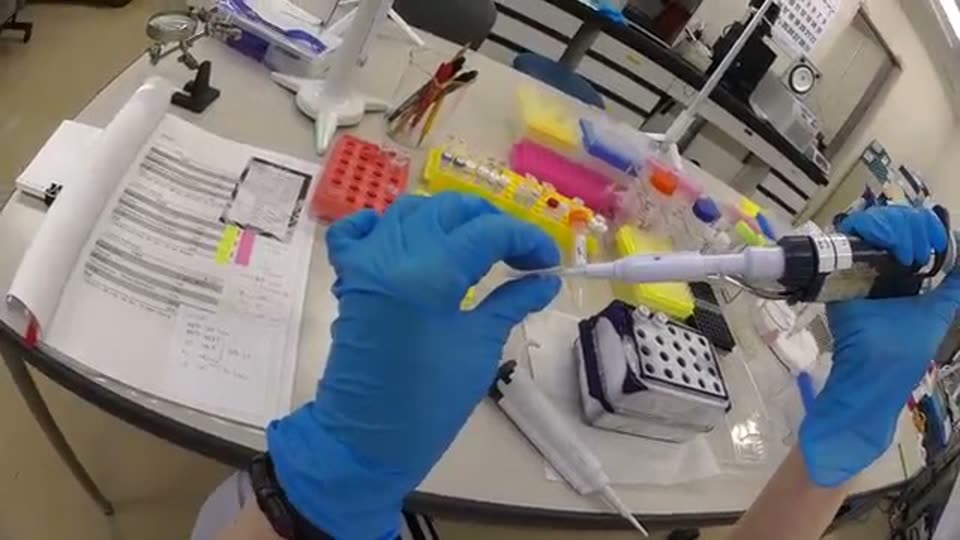
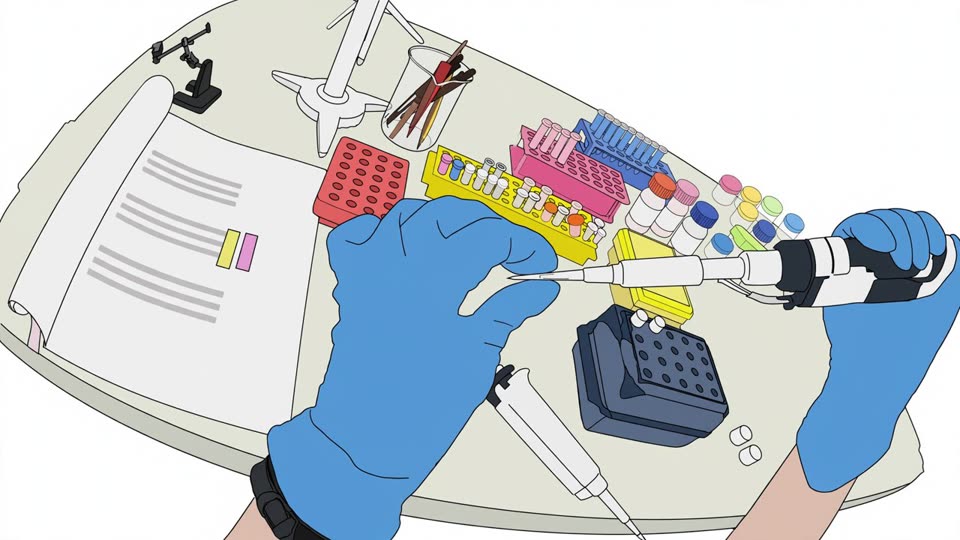
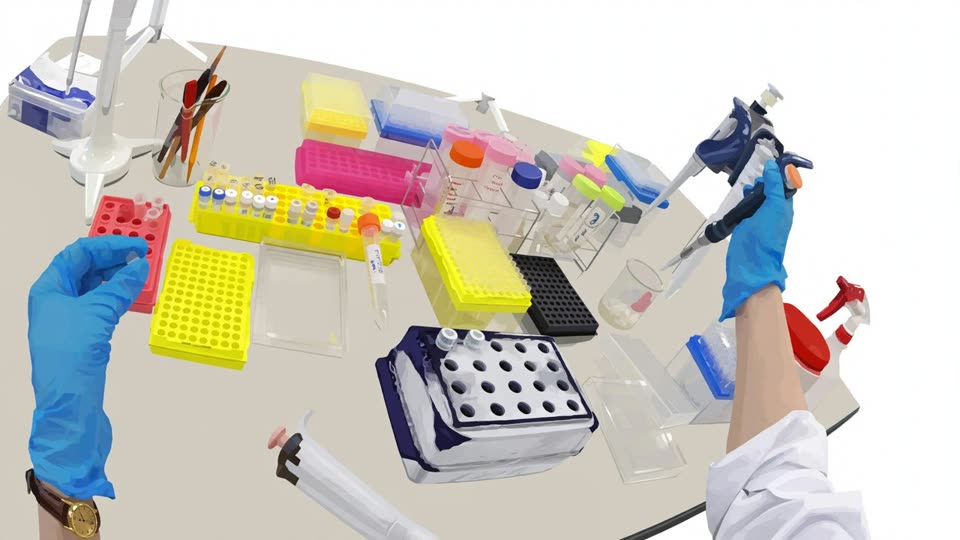
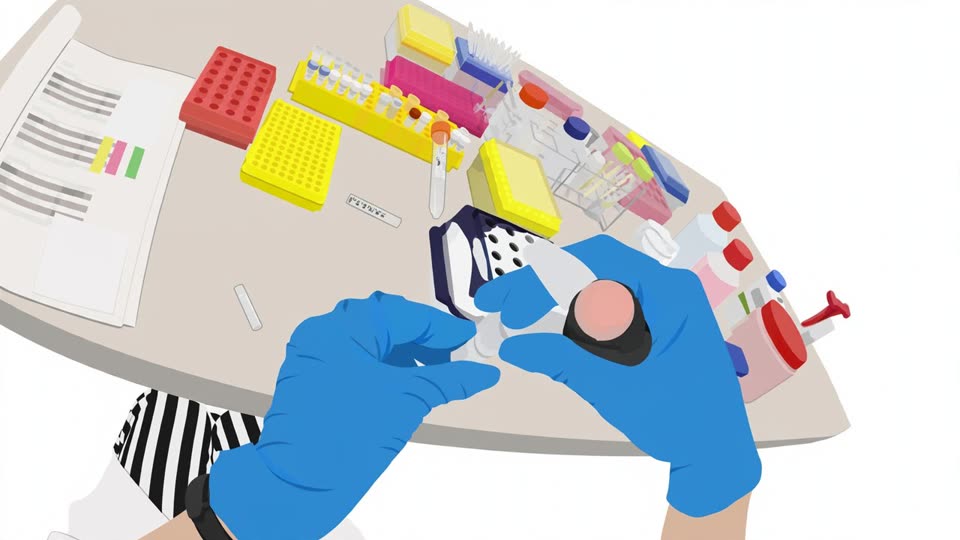
The app prints the card for any run with a video. Lab video: BioVL2 (Kyoto University), CC BY 4.0.
Measured on videos it never saw
We tuned the prompts on one PCR video and scored the pipeline against human step annotations on videos it never saw from the public BioVL2 dataset, including one protocol it was never developed on.
| Video | Recall | Precision | What went wrong |
|---|---|---|---|
| pcr_2 | 0.83 | 0.62 | one reagent split across two source tubes |
| pcr_3 | 1.00 | 1.00 | nothing at the step level |
| pcr_4 | 0.67 | 0.57 | invented a master-mix step that never happened |
| pcr_5 | 0.67 | 0.57 | read it as qPCR: invented a probe and a different premix |
| miniprep_7 | 0.28 | 0.42 | a different protocol: timing right, but no reagent label was readable |
On PCR, about one proposed step in three is extra or mislabelled; on a protocol it was never developed on, most reagents come out unnamed. That is why the app shows every step next to the footage, lets you name a tube with one click, and asks before it writes code.
Where it still needs you
A camera can't see everything a protocol needs. The app asks once, in plain words, instead of guessing.
See it on a real lab video
Seven sample runs from BioVL2 are open to everyone. To analyse your own video, use Upload your video in the app; uploads need an access code while we pay for the models.
Open the app Read the code on GitHub